Time & Attendance Tracking
Automatic clock-in/out from real activity — no punch cards, no proxy marking.
Zero manual entryGet Daily AI Work Summaries on WhatsApp & Email
WorkWitness automatically tracks your Windows team and delivers AI-powered work summaries to WhatsApp & Email every morning at 7:00 AM—no dashboards or timesheets required.
One portal. Every team member's day at a glance — focus time, active apps, blockers, and the AI brief.
The team logged a focused day — 25h of active work across 6 people, led by deep-focus engineering and a strong support push.
From startups to growing businesses, WorkWitness helps teams improve productivity, simplify management, and make smarter decisions with AI-powered daily work summaries.
Google for StartupsDPIIT Recognized StartupClaude for Startups

Two minutes, end to end — watch a daily brief come together, in English or Hindi.
↗ Click play to watch video
Every morning your team logs in — but you're still left guessing. You have charts, graphs, and alerts. But not answers.
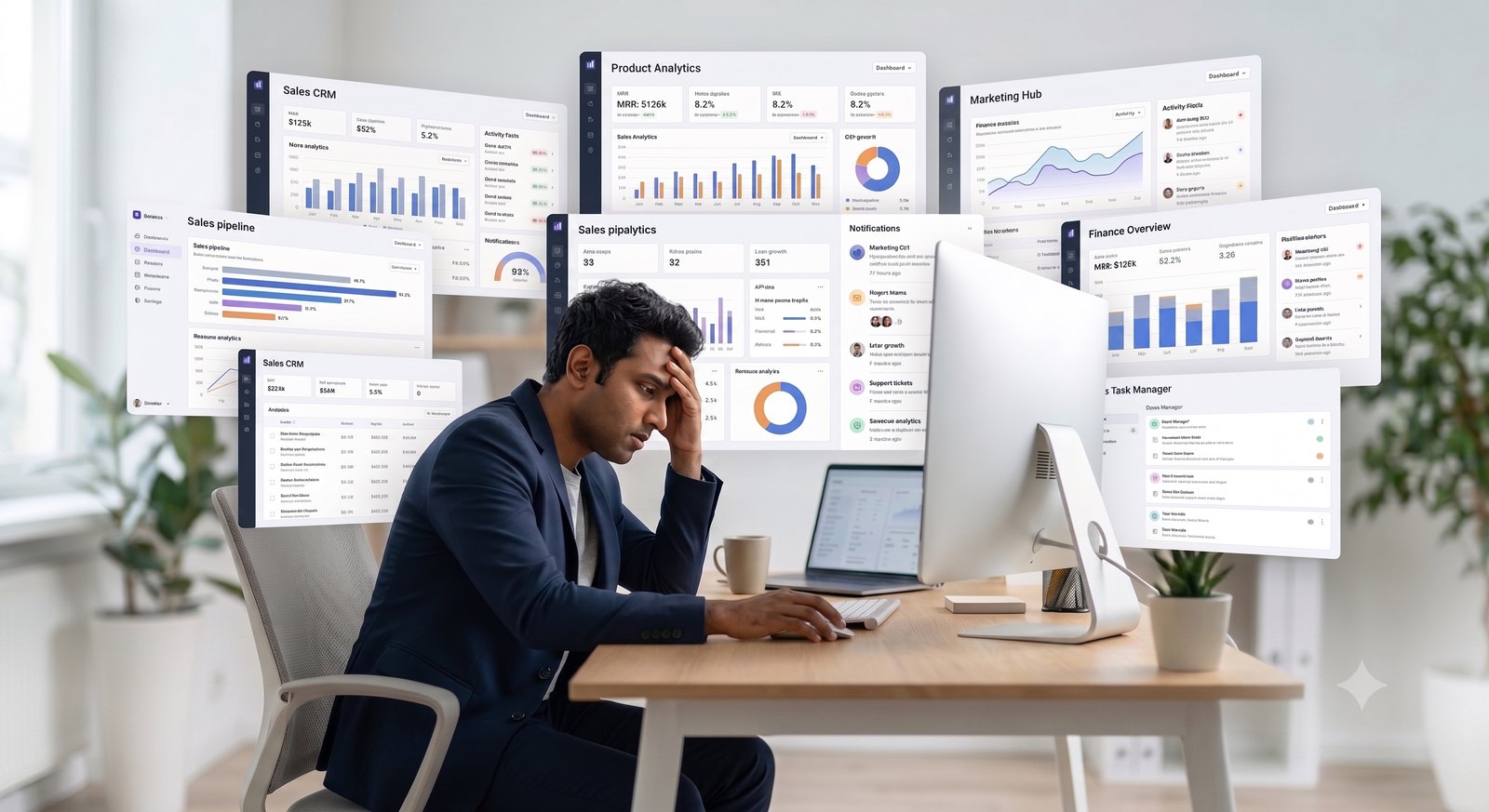
WorkWitness distils your team's entire workday into a clear, human-readable AI summary — delivered straight to your WhatsApp every morning.
No complex setup. No IT ticket. No waiting. WorkWitness is the fastest way to turn your team's workday into clear, actionable answers.
A tiny signed Windows installer — no drivers, no kernel hooks, no admin prompts.
< 5 min setupThe Lightweight Desktop Agent agent logs apps, focus stretches, and idle time — with zero popups.
Zero disruptionAI distils the day's raw signals into a clear story for every team member.
Smart summaryOne clean paragraph per person, delivered at 7 AM on WhatsApp and email.
7 AM dailySpot blockers, balance workloads, and act with confidence — no dashboards needed.
Real outcomesEvery morning at 7 AM, WorkWitness turns yesterday's work into a clear, human-readable brief — so you know exactly where your team stands before your first coffee.
One platform to track, understand, and act on how your team actually works — no stitching together spreadsheets and Slack threads.
Automatic clock-in/out from real activity — no punch cards, no proxy marking.
Zero manual entryPeriodic screenshots with optional face blur — proof of work without invading privacy.
Privacy-firstFocus scores and idle detection show exactly where the workday really goes.
Smart insightsSee which apps and sites power the work — aggregated, never raw keylogging.
TransparentA plain-English daily brief plus clear trends, delivered every morning.
AI-poweredGranular roles, real-time alerts, and controls to run WorkWitness your way.
Full controlSkip status meetings — the brief reports for you.
Focus scores show where output really goes.
The daily summary replaces most stand-ups.
Blockers and idle streaks flagged the same day.
Every claim backed by real activity data.
See who's working, blocked, or overloaded.
Plain-English briefs — no dashboards to learn.
A smart recommendation in your inbox at 7 AM.
From five-person startups to 500-seat operations — WorkWitness adapts to how your industry actually works.

Track sprints, deploys, and deep-work blocks across distributed dev teams — without micromanaging.

See billable time per client and keep every campaign on schedule with a clear daily picture.

Monitor shift adherence and productivity across large support teams — all in one morning brief.

Precise, audit-ready activity logs and accountability for sensitive, deadline-driven work.
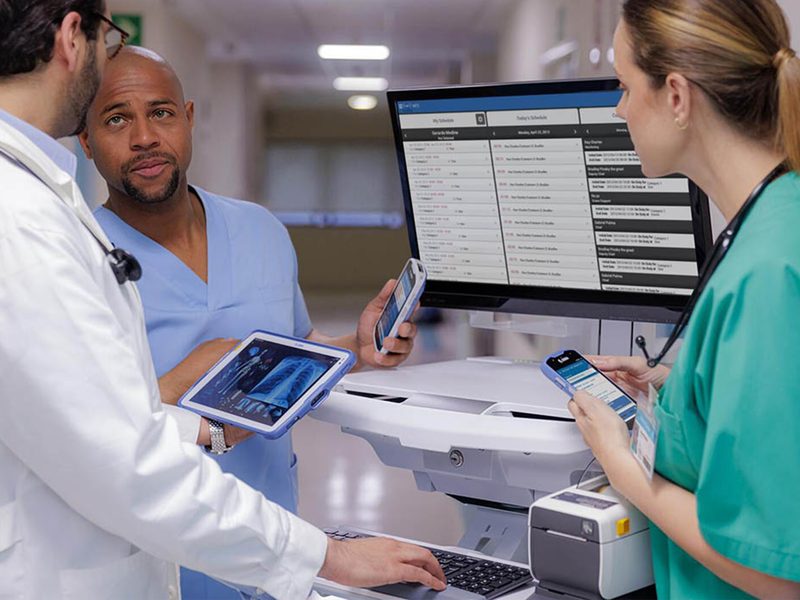
Keep admin and back-office staff on task with privacy-first tracking that respects your people.

Keep remote faculty and support teams aligned, accountable, and easy to support at a glance.
Not another dashboard to babysit. See how WorkWitness stacks up against traditional monitoring tools.
Everything you need. None of the noise.
From fast-growing startups to established businesses — WorkWitness is changing how teams stay aligned.
Your team's data is protected end to end — private by design, compliant by default.
Free forever for small teams. Upgrade to Pro for unlimited employees, time & attendance, longer retention, and priority support.
Everything you need to get started. No credit card.
No credit card required
Everything in Free, plus more capacity and retention.
Onboard now, pay when you're ready.
Not yet — WorkWitness is Windows-only today. macOS is on the roadmap. We will say so on this page the day it ships, and not before.
About five minutes per laptop using a signed Windows installer. No drivers, no kernel hooks, no admin pop-ups at runtime. The agent runs as a standard user process and uses under 50 MB of memory.
WorkWitness captures application usage, active and idle time, focus stretches, and optional periodic screenshots with face-blur. The desktop agent displays a visible system tray icon so employees always know when it is running. WorkWitness is designed for transparent, consent-based workplace deployment, and administrators are required to inform employees before installation. This is a core condition of our terms of service and helps you stay compliant with the DPDP Act 2023 and equivalent privacy laws.
You receive a notification within an hour, and the daily view shows that the agent stopped reporting. WorkWitness is a workplace analytics tool, not an enforcement system. If an agent is removed, we recommend having a direct conversation with the team member — the goal of WorkWitness is to build accountability through transparency, not to police devices.
Two things work well. First, announce it openly — explain what it captures, why you are using it, and how the daily brief will help everyone stay aligned. Second, share the daily brief with your team every week. When employees see that the brief is a short, human summary that recognises good work rather than a surveillance leaderboard, adoption is smooth. Most of our customers report positive team reception within the first two weeks.
Free during early access — no card required, no invoice yet. When paid plans ship, billing is in INR with a proper GST invoice, and you will see the pricing on this page first.
Yes. WorkWitness is DPDP Act 2023 compliant, DPIIT recognised, and built for GDPR-ready deployments. All data is encrypted in transit and at rest, we do not perform keylogging, and employees must be informed before the agent is installed on their device. Administrators can configure exclusions for personal apps, domains, and time windows to protect employee privacy outside working contexts.
Yes. The desktop agent shows a visible system tray icon, and administrators are required by our terms of service to inform employees before installation. WorkWitness is built exclusively for disclosed, consent-based workplace deployment on company-owned devices. It is not designed for, and must not be used for, monitoring anyone without their knowledge.
Connect with our expert team to discover how WorkWitness can help you simplify team management with AI-powered daily work summaries.
We support Indian workspaces directly. Expect a response to form enquiries or emails in under 2 hours during standard IST working hours (9:00 AM – 7:00 PM, Monday to Saturday).
Stop chasing updates, opening multiple dashboards, and waiting for status meetings. Let WorkWitness automatically deliver an AI-powered work summary to your WhatsApp and inbox every morning — so you can focus on leading your business.
 Chat with us
 Call us